Delete Account
Delete your account in the app
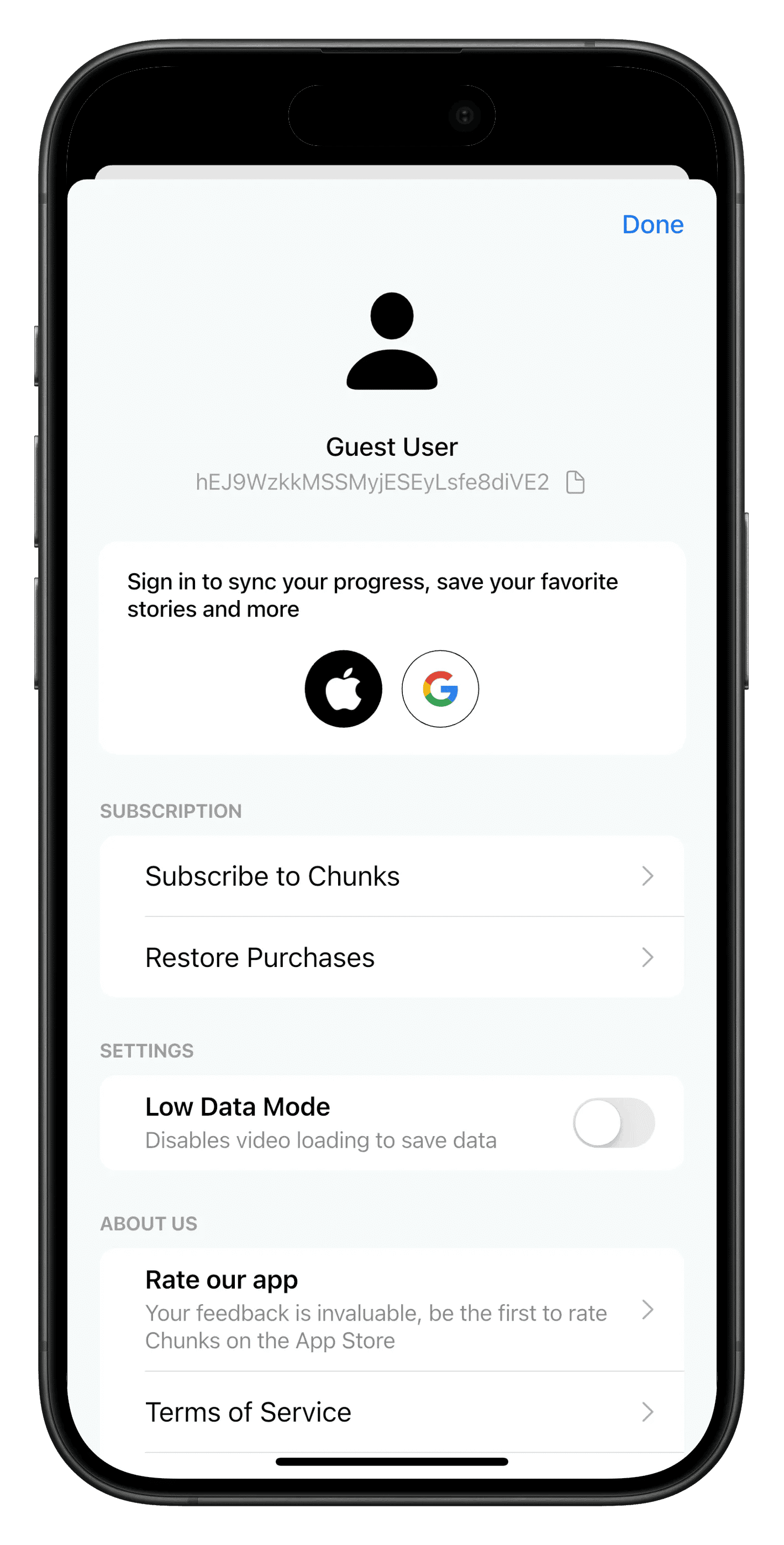
The quickest way to delete your Chunks account is from the app itself:
- Open Chunks and go to the Profile tab.
- Scroll to the Account section at the bottom.
- Tap Delete Account, then confirm.
Your account and everything saved to it are deleted straight away. Before app version 2026.10.21, this option appears only if you've signed in. From 2026.10.21 it works whether or not you've signed in.
Cancel your subscription first
Deleting your account does not cancel a subscription. Apple and Google handle billing, so we can't cancel it for you. If you subscribe to Chunks Premium, cancel it yourself in App Store subscriptions (iPhone and iPad) or Google Play subscriptions (Android).
Or delete it here with your deletion code
Enter the deletion code shown in the app under Profile → Account (app version 2026.10.21 or later). Your account is deleted straight away. If your app doesn't show a code, use your user ID instead under Can't see a code? below.
To find it, open the app, go to the Profile tab and scroll to Account. Your Deletion code is shown next to User ID for support.
Anyone with this code can delete your account, so keep it private.
If you have removed the app and signed in with Apple or Google, reinstall it and sign in again to delete your account or see your user ID and deletion code. If you never signed in, your account was tied to that install. Email hello@chunks.app and we'll help.